
Billing
Learn how subscription and usage billing works, and how to manage your plan.
Wristband offers two self-serve plans designed to grow with your application:
- Standard: A free tier for building and running your application with no upfront costs
- Pro: A paid monthly plan for teams that need advanced customization and branding capabilities
Both plans include usage-based billing for active tenants, users, and machines. You can upgrade or downgrade at any time directly from the Billing Page. To compare plans and view pricing details, visit our pricing page.
Accounts on a Premium plan or a custom billing arrangement are managed directly with the Wristband team. If your account is on one of these plans, your billing is handled separately and the self-serve upgrade and downgrade options described on this page do not apply. To inquire about Premium pricing, contact us.
To access your billing page, click your account menu in the top-right corner of the dashboard and select Billing.
Note: Only members with the Owner role in your account can access the Billing page in the Wristband dashboard.
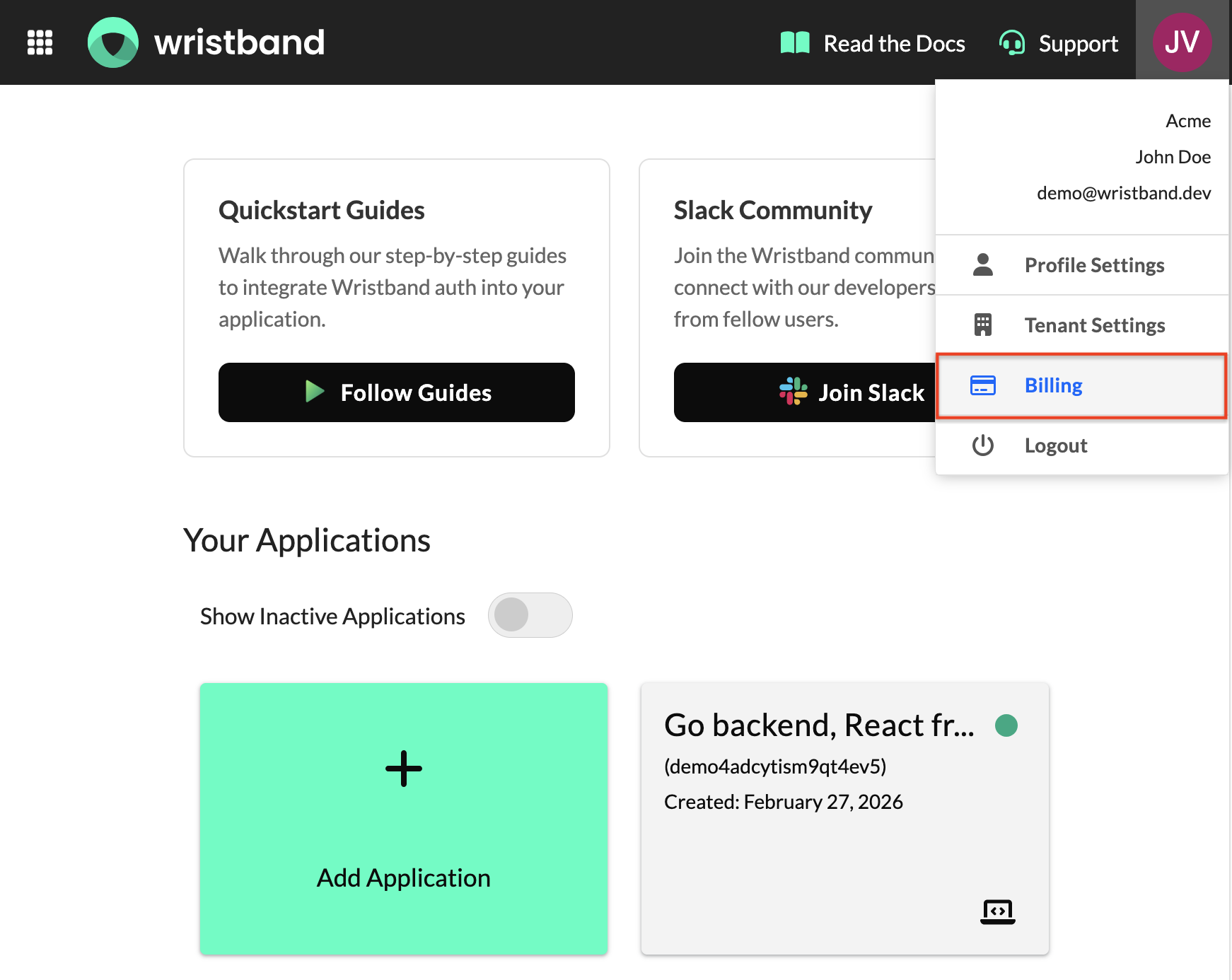
Account menu with Billing option highlighted
How Billing Works
Wristband self-serve billing is a combination of a flat monthly subscription fee and usage-based charges for active tenants, users, and machines that exceed your plan's included limits. Subscription fees are charged upfront at the start of each billing period, while usage charges are calculated at the end of the period based on actual consumption.
Subscription Charges
Every account starts on the Standard plan, which establishes your initial billing period start date. The billing period renews on the same day each month.
If you upgrade to Pro, a flat monthly subscription fee is charged at the time of upgrade to cover your first month. Subsequent months are charged automatically at the start of each new billing period.
For example, if you upgrade on March 15, your next subscription charge will be on April 15, then May 15, and so on.
Usage Charges
Usage is measured across three metrics:
- Active users: The number of distinct users active during the billing period. A user is considered active when they authenticate or perform a token refresh with Wristband at least once in a given month.
- Active machines: The number of distinct machines active during the billing period. A machine is any OAuth2 Client in Wristband that generates access tokens using the Client Credentials grant type. A machine is considered active when it generates at least one access token in a given month.
- Active tenants: The number of distinct tenants active during the billing period. A tenant is considered active when there is at least one active user or at least one active machine within that tenant in a given month. Machines created at the application-level (not under a specific tenant) do not affect the active tenant count.
Usage is measured across all applications in your account, not on a per-application basis. Activity across any of your apps contributes to a single combined total for each metric.
Each plan includes a set allowance for each metric. If your usage exceeds your plan's allowance at any point during the billing period, overage charges accrue and are billed at the end of the period.
| Metric | Standard | Pro |
|---|---|---|
| Active tenants | 5 | 50 |
| Active users | 10,000 | 10,000 |
| Active machines | 20 | 20 |
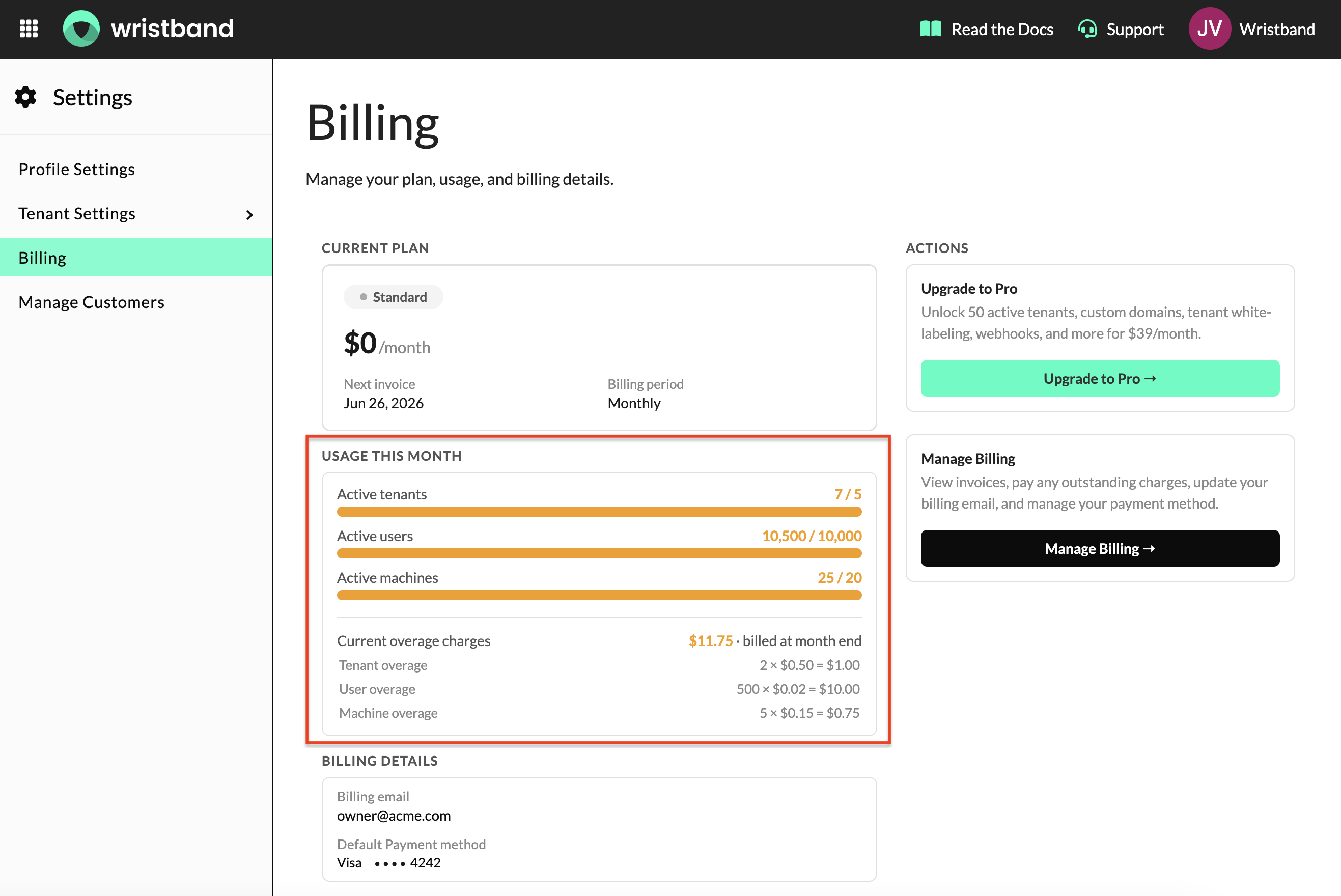
Billing page usage bars and current overage charges
Upgrading to Pro
To upgrade to Pro, click Upgrade to Pro on your billing page and complete checkout. Your Pro plan takes effect immediately upon a successful payment.
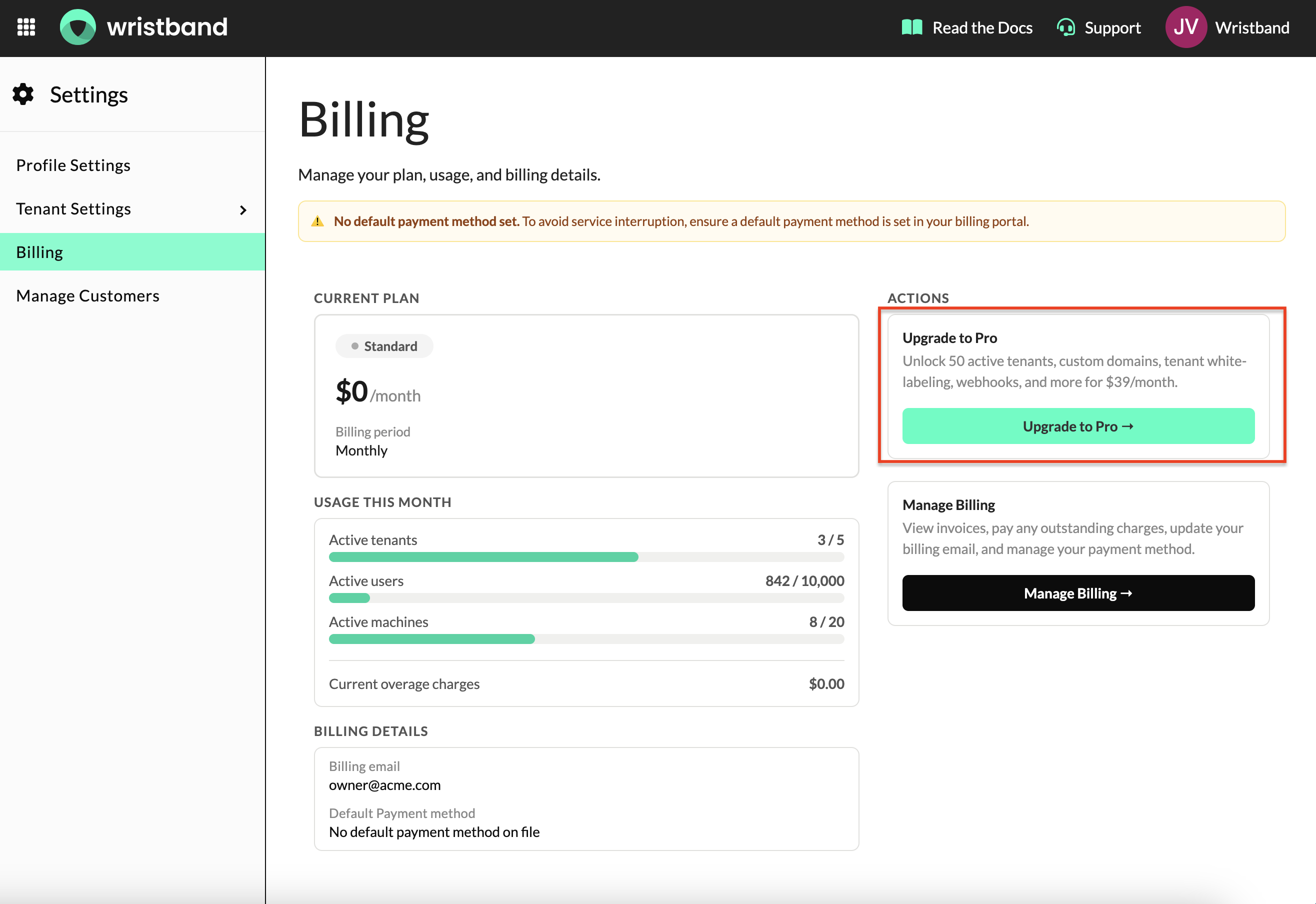
Billing Page "Upgrade to Pro" button
Any usage incurred before your upgrade date is billed under your previous Standard plan. Your new Pro billing period starts on the day of your upgrade, and usage is tracked fresh from that point forward.
For example, if you upgrade on March 15 and had overage charges on your Standard plan for the period ending March 15, those charges are settled separately before your Pro billing begins.
No Refunds or ProratingPlan upgrades are charged immediately and in full. Wristband does not issue refunds or prorate charges for any portion of a billing period.
Downgrading to Standard
To schedule a downgrade, click Downgrade to Standard on your billing page. Your Pro access continues until the end of your current billing period, at which point your account moves to the Standard plan.
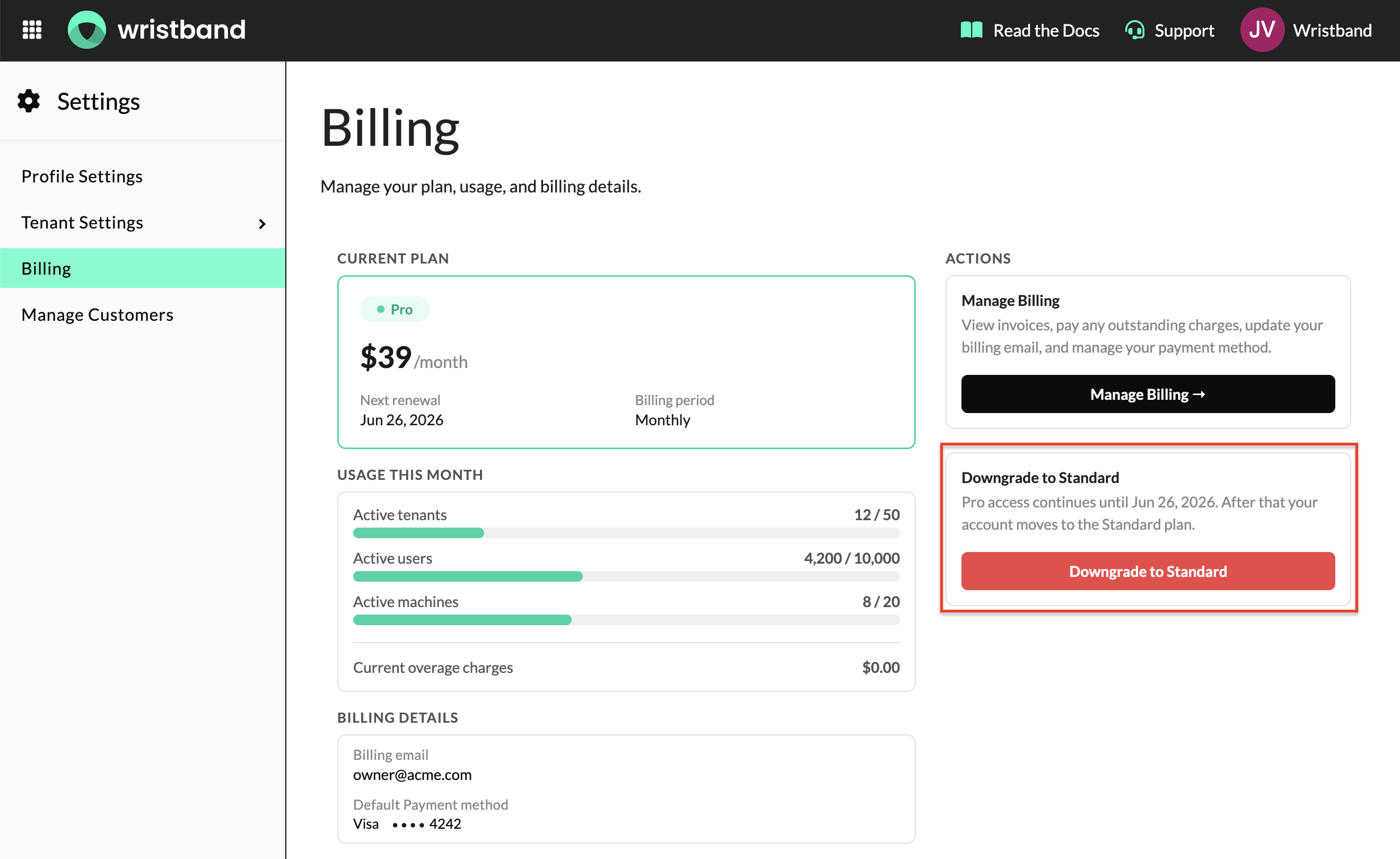
Billing Page "Downgrade to Standard" button and scheduled downgrade banner
When your Pro period ends:
- Any usage charges incurred during the Pro period are finalized and billed
- Your account moves to the Standard plan
- Standard plan allowances and overage rates apply from that point forward
If you change your mind before the period ends, you can cancel the scheduled downgrade by clicking Resume Pro on your billing page.
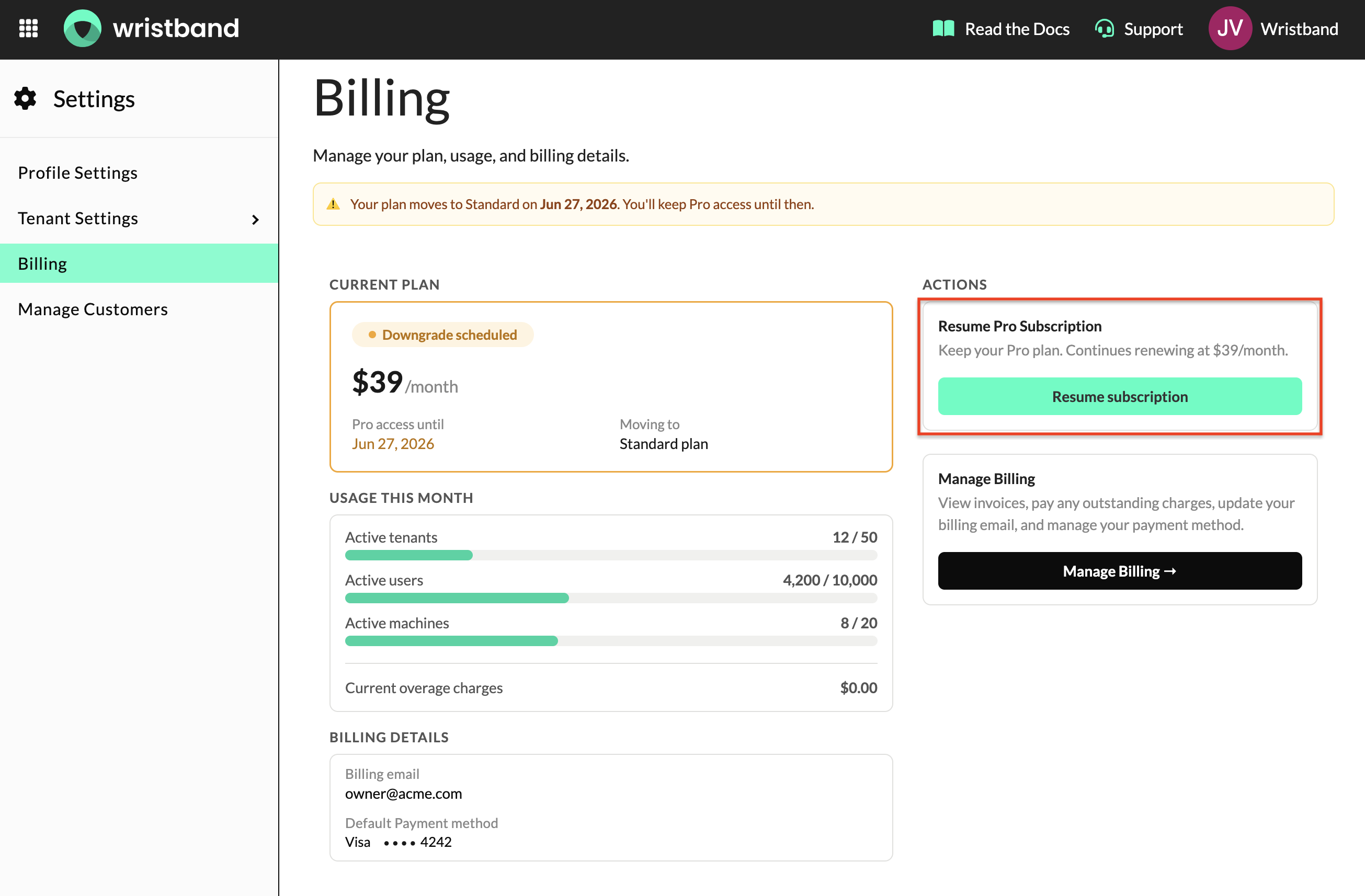
Billing Page "Resume Subscription" button
Managing Your Billing
You can view past invoices, update your payment method, and manage your billing email from the billing portal. Click Manage Billing on your billing page to access it.
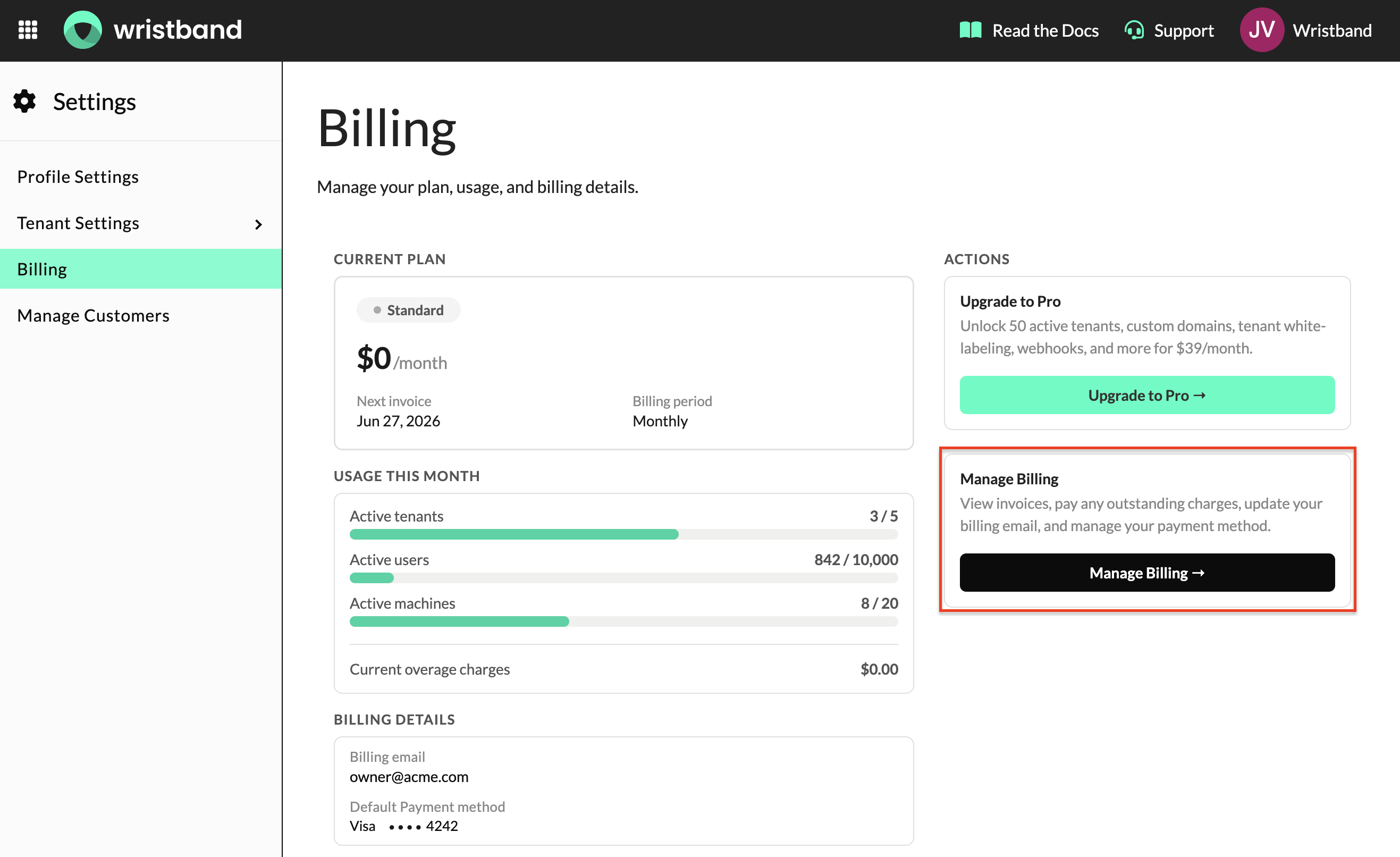
Billing Page "Manage Billing" button
No credit card is required to get started on the Standard plan. However, if your usage exceeds your plan's free tier limits, you will receive an email notification with a link to pay the outstanding invoice. The payment method used to settle that invoice will become your default payment method for future billing periods. You can update your payment method at any time from the billing portal.
Payment Failures
Important: Please ensure your billing email address is kept up to date at all times.
If a payment fails, you will receive an email notification with a link to pay the outstanding invoice and update your payment method. We recommend keeping a valid payment method on file to avoid any service interruption.
If no default payment method is on file, you will need to complete payment manually via the link provided in the notification email.
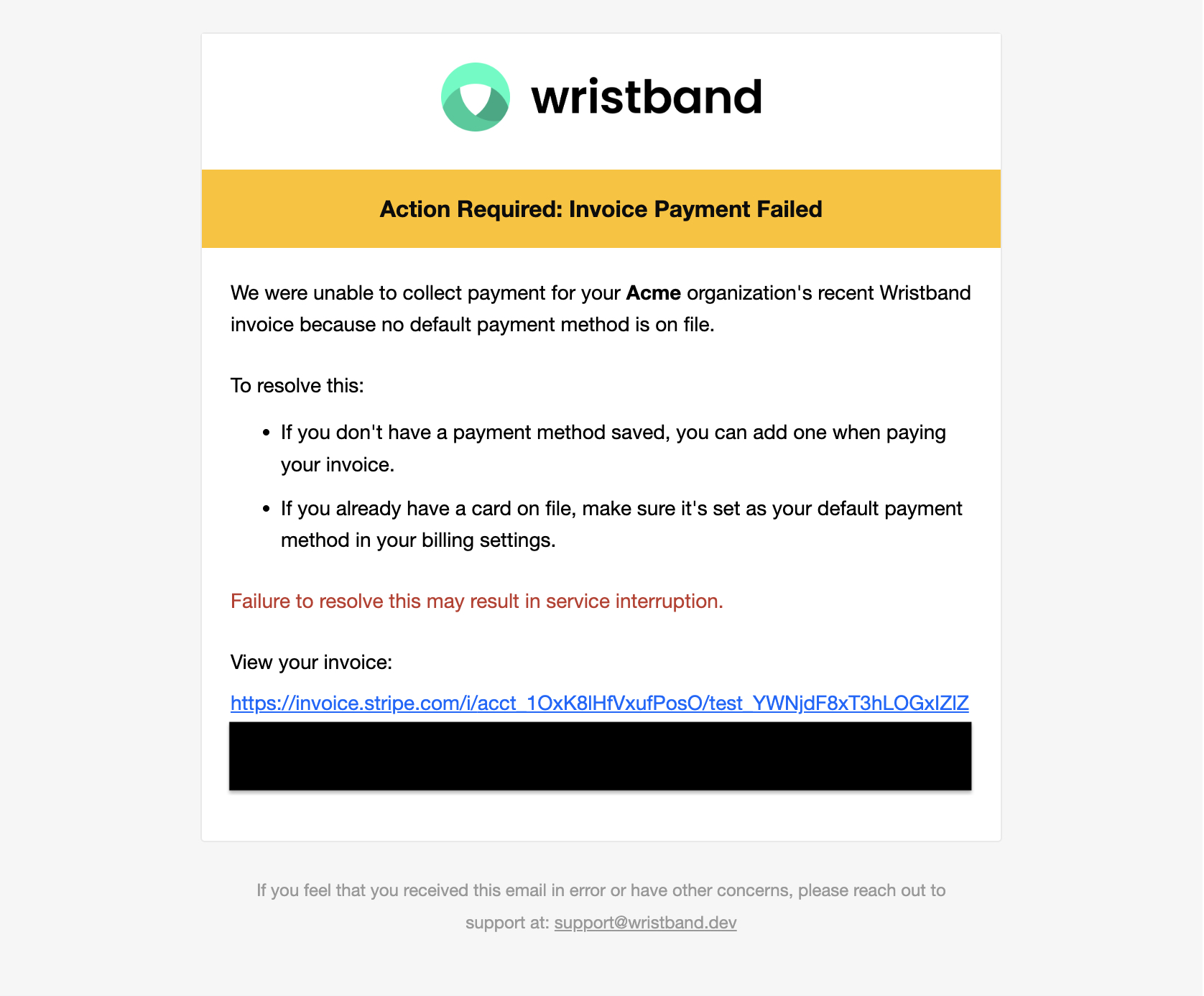
Invoice Payment Failed email notification
When a payment fails, our billing system will automatically retry the charge up to 8 times over the following 2 weeks. Wristband reserves the right to suspend service in the event of multiple missed payments. Before taking any such action, our support team will make every effort to reach out to the billing email on file to help resolve the issue.
Updated 4 months ago